Bring custom data to your map
Use the Mapbox Tiling Service (MTS) to upload, transform, and host proprietary geospatial data for performant and customizable maps.


New tool
Simplify custom mapping workflows with Data Workbench
Upload, edit, preview, and publish custom geospatial data in one streamlined workflow. The new Mapbox Data Workbench simplifies data preparation, tileset configuration, and design, helping developers move from raw datasets to production-ready maps faster than ever.
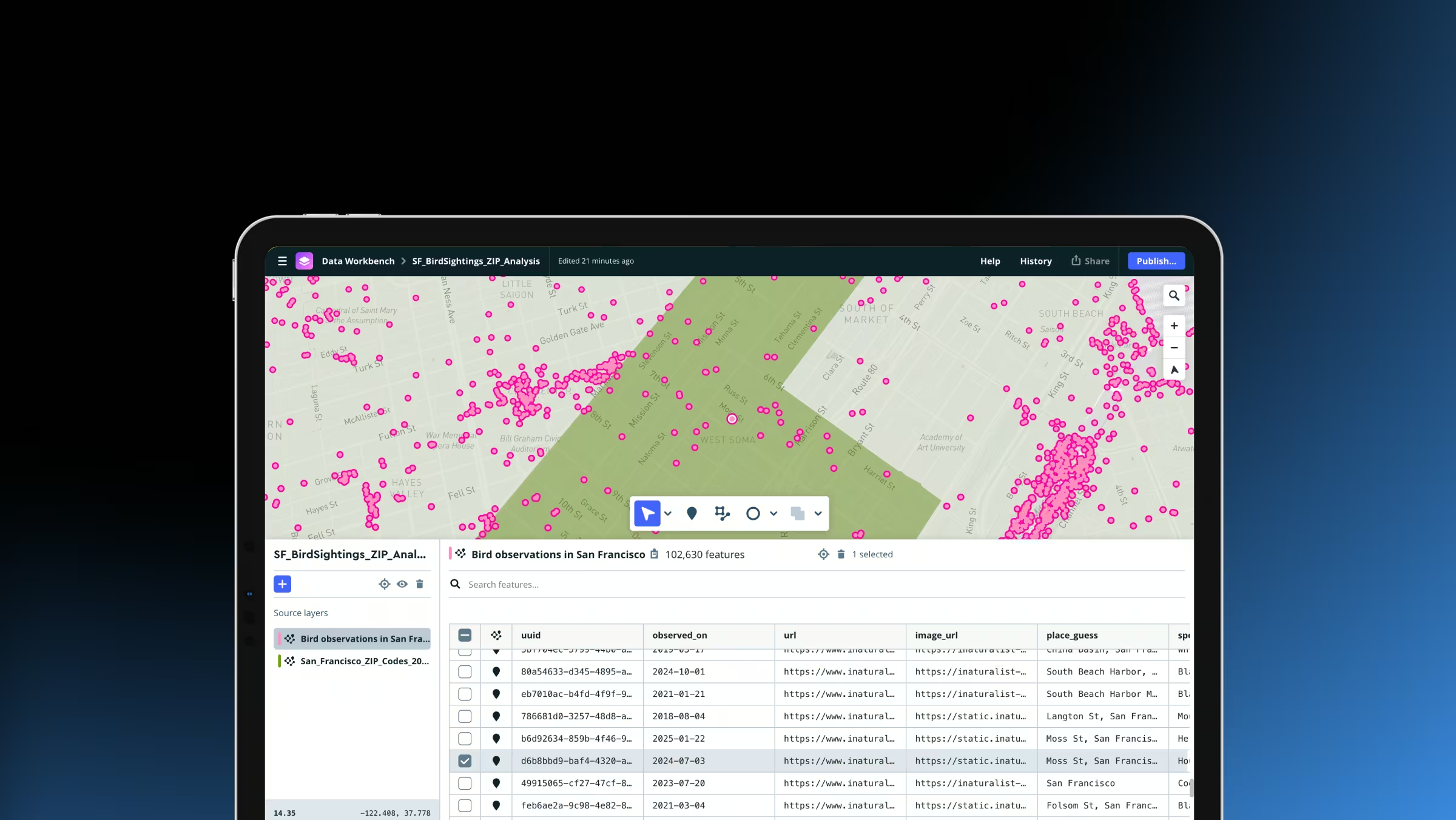

Fast custom data workflows
MTS supports tiling vector or raster data. Use developer-friendly tools to efficiently upload, inspect, edit, and preview data, then publish.

Full control over appearance
Mapbox offers fine control over how data is processed and used. Style custom data layers in the Mapbox style editor or client-side.

Ship updates faster
MTS supports incremental updates. When data changes, reprocess only the changes instead of the full dataset.
Dynamic, high-performance map layers
Transform and serve geospatial data client-side or as optimized tiles to power fast, polished map experiences that update in real time.
Turn any dataset into an interactive map
Mapbox makes it easy to transform data into beautiful map experiences. Upload geospatial data with MTS, transform it into optimized tiles, and visualize it on web and mobile. Simply data infrastructure and focus developer time on building experiences.
.avif)
Performant maps regardless of data size
Maps should load smoothly, even when they contain massive datasets. MTS transforms large geospatial datasets into vector or raster tilesets optimized for fast rendering and interaction. Mapbox hosts and serves the tiles globally with high availability. In applications, Mapbox loads only the map tiles needed instead of loading entire datasets.

Map tiles made simpler and faster
Quickly upload, edit, and publish data. Use incremental updates to keep maps fresh without reprocessing entire datasets.
Publish data in minutes
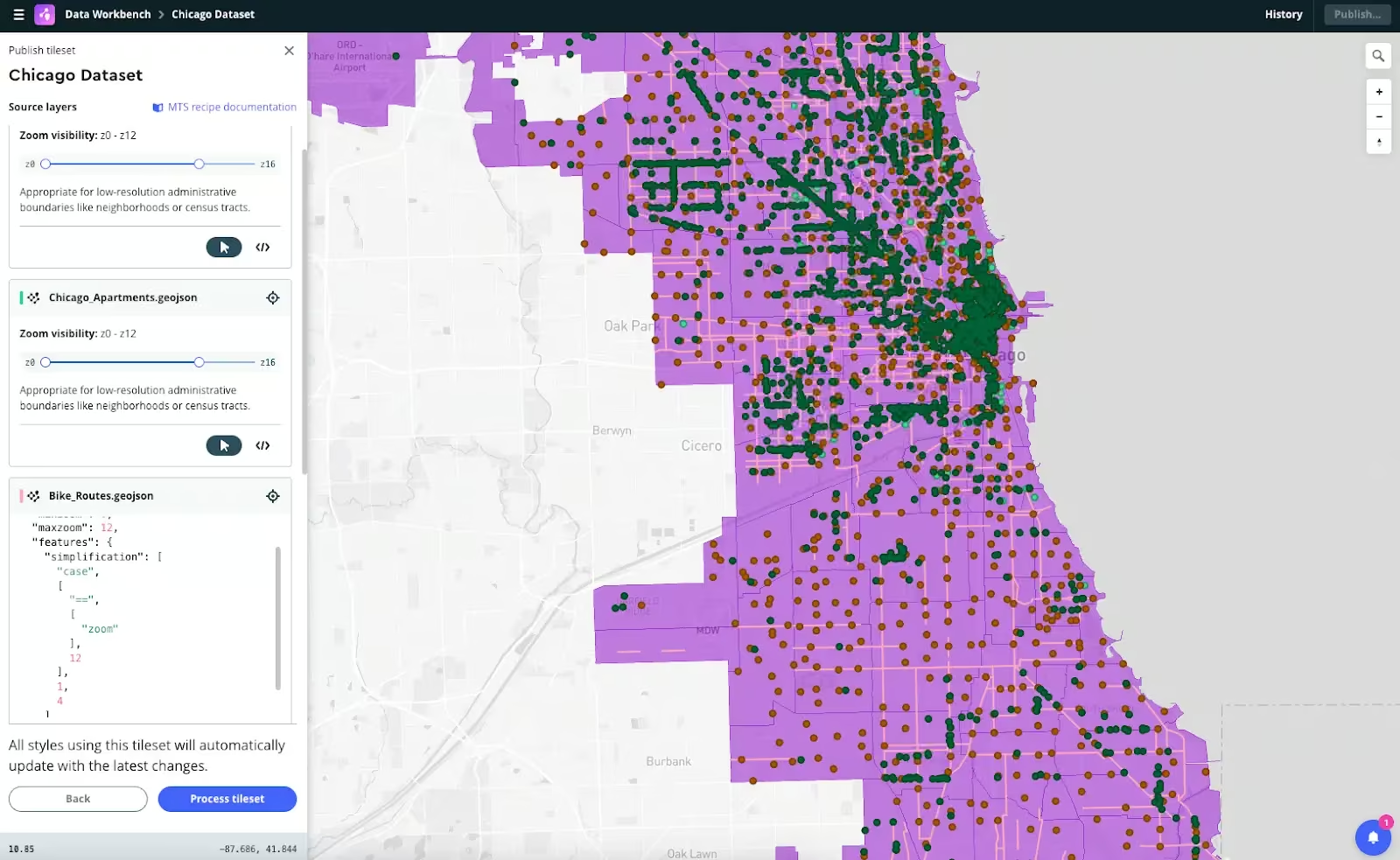
The Mapbox Data Workbench is a powerful web tool for working with custom map data. Efficiently upload, inspect, edit, and preview the data before publishing tilesets, reducing the time and resources it takes to get complex data onto your map.
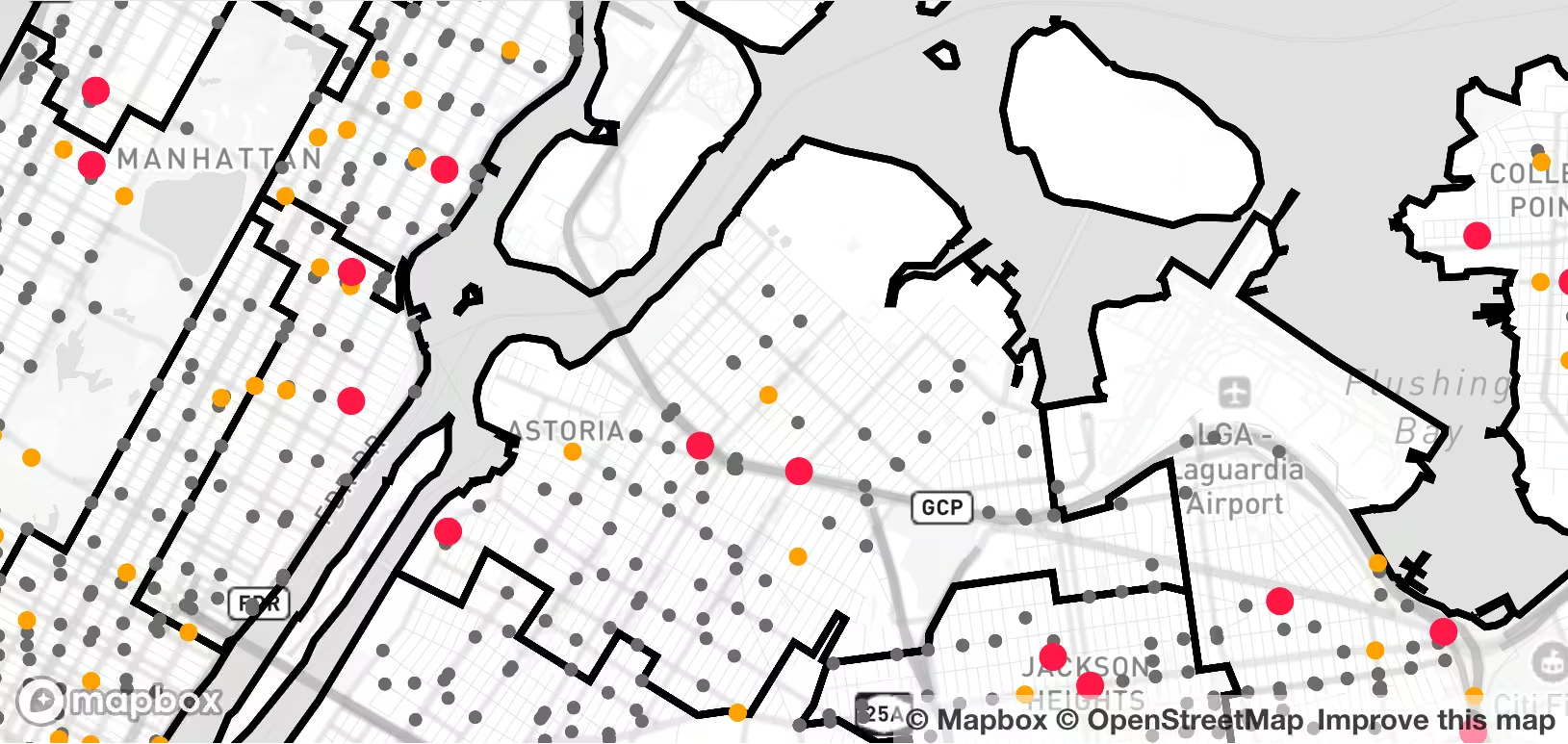
Faster updates, fresher map data
Need to make a small data change? MTS supports incremental updates to reprocess only the changes instead of the full dataset. Spend less time exporting and re-uploading data and more time building with the freshest data.
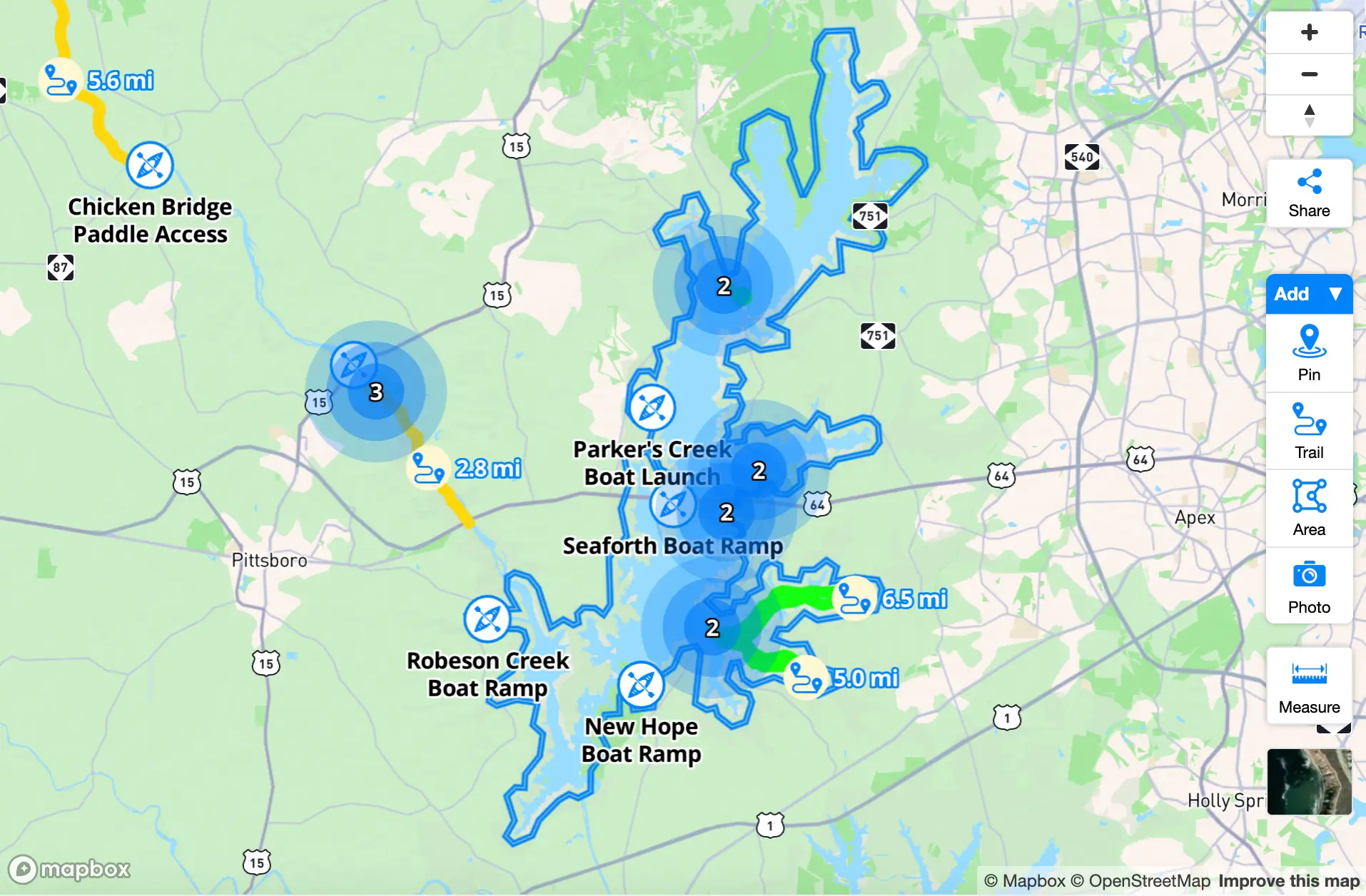
Flexibility and control over tiling
Create rich, interactive maps using vector or raster data with precise control over data tiling, styling, and use.
Superior raster performance
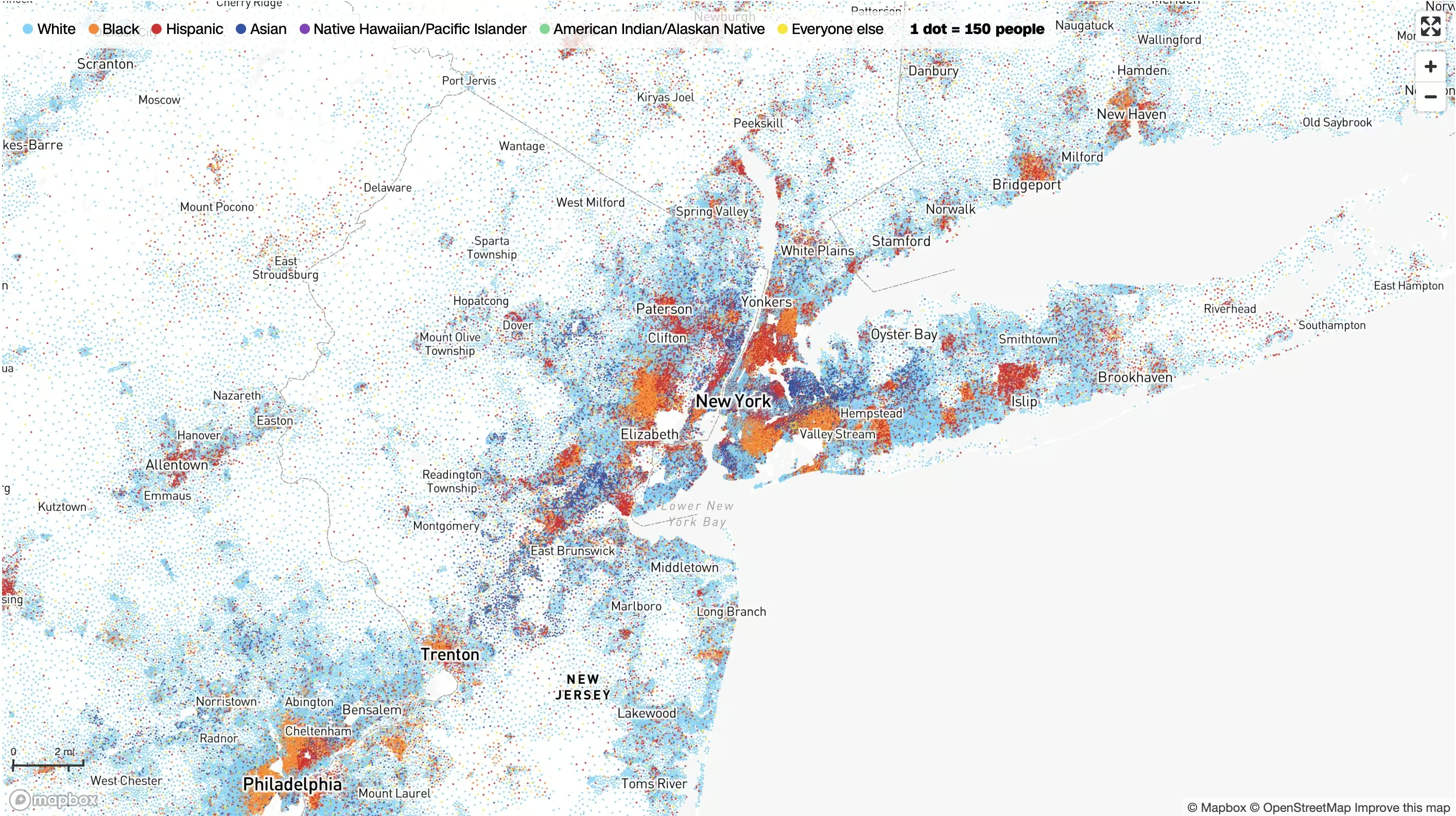
MTS supports tiling both vector and raster data. Even with raster data, tiling preserves numerical information through the entire pipeline from processing to rendering. Data can be queried at runtime for dynamic colorization or point querying, creating more visually appealing, interactive, and engaging maps.
Fine control over data appearance
MTS ‘recipes’ are configuration rules that enable fine control over tile generation, including simplification, zoom level extent, geometry unioning, attribute manipulation, and more. In the Data Workbench, edit recipes live and preview how the tileset changes before publishing.
Tilesets ready to be customized
Tilesets hosted on Mapbox can be styled in the Mapbox style editor and combined with other tilesets to build custom maps that are beautiful and tailored to the needs of users.
Customer stories




Resources
Webinar
Data Workbench: A simpler way to add custom data to Mapbox
Blog
Faster updates, fresher map data: MTS now supports incremental updates
Blog
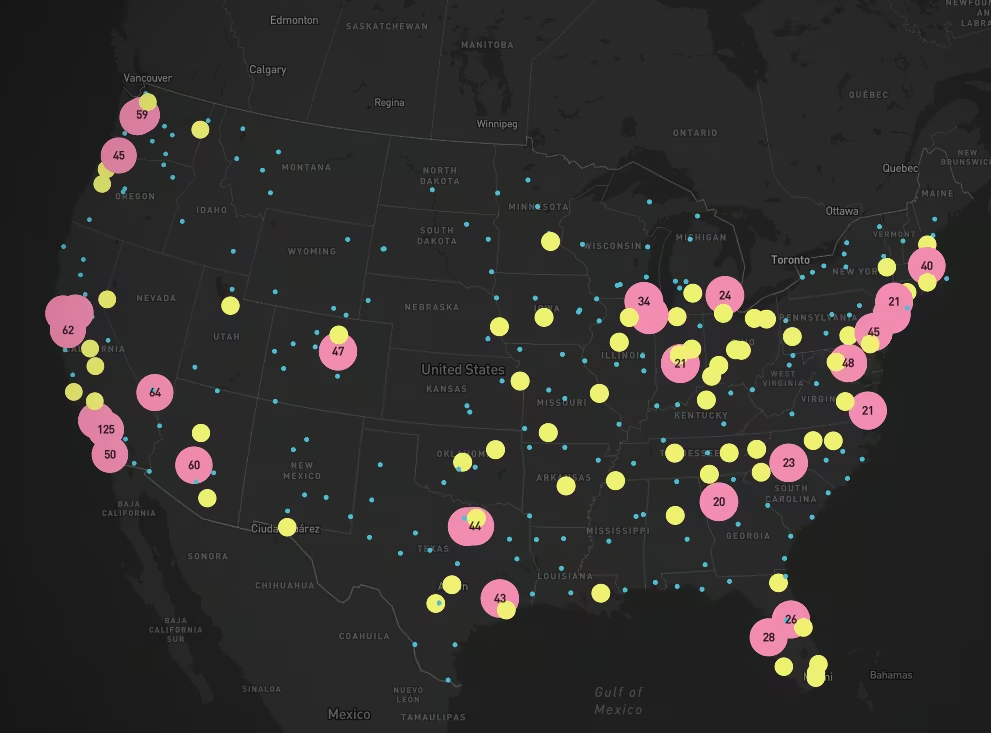
Data clustering now available in the Mapbox Tiling Service
Ready to get started?
Create an account or talk to one of our experts.